

A standing visit repeats at the same time every few weeks. Each visit is booked ahead with the same person when they are free, so the time stays the client's.
Let clients make them online
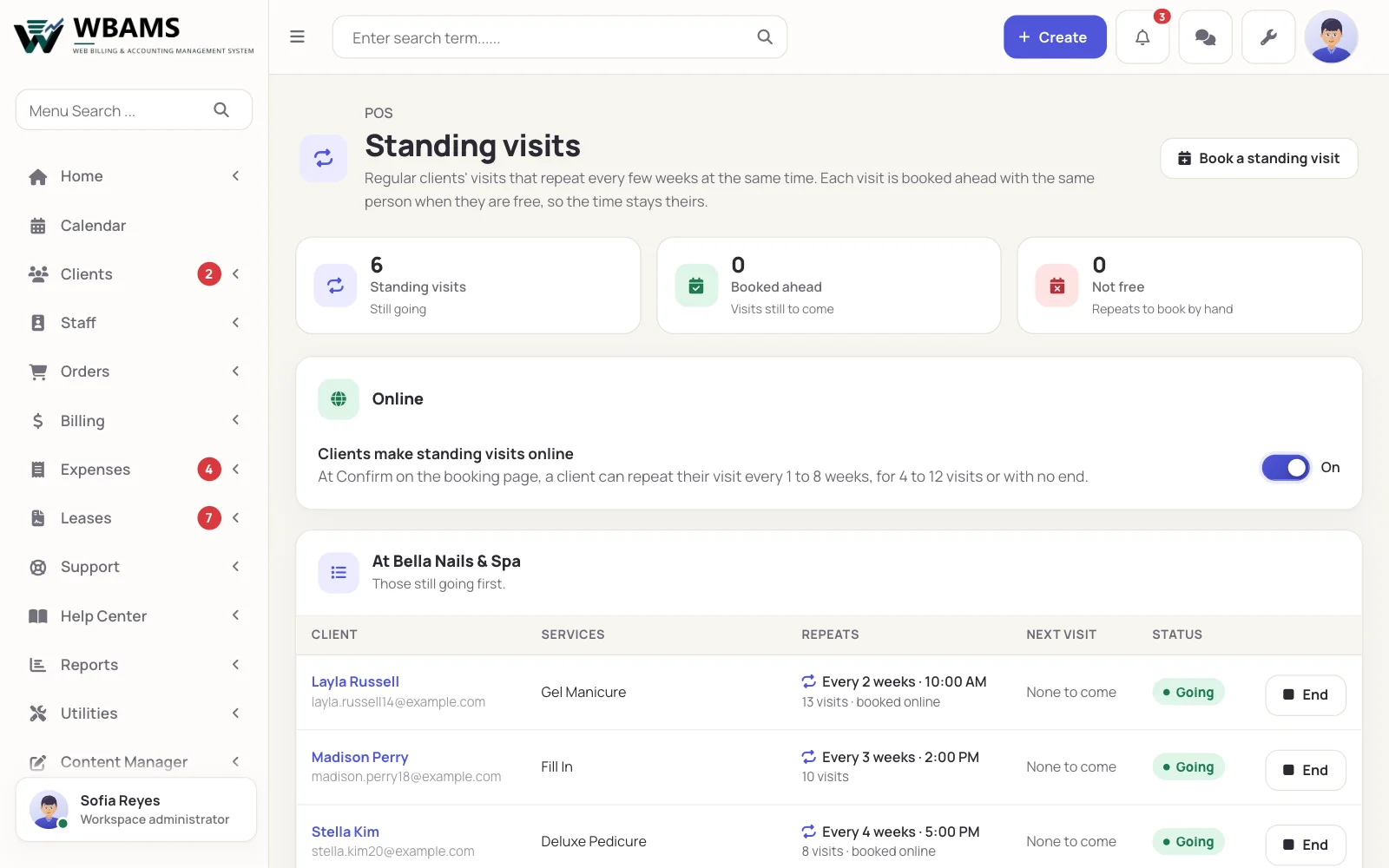
- Open System Settings → Standing visits.
- On the card Online, switch on Clients make standing visits online.
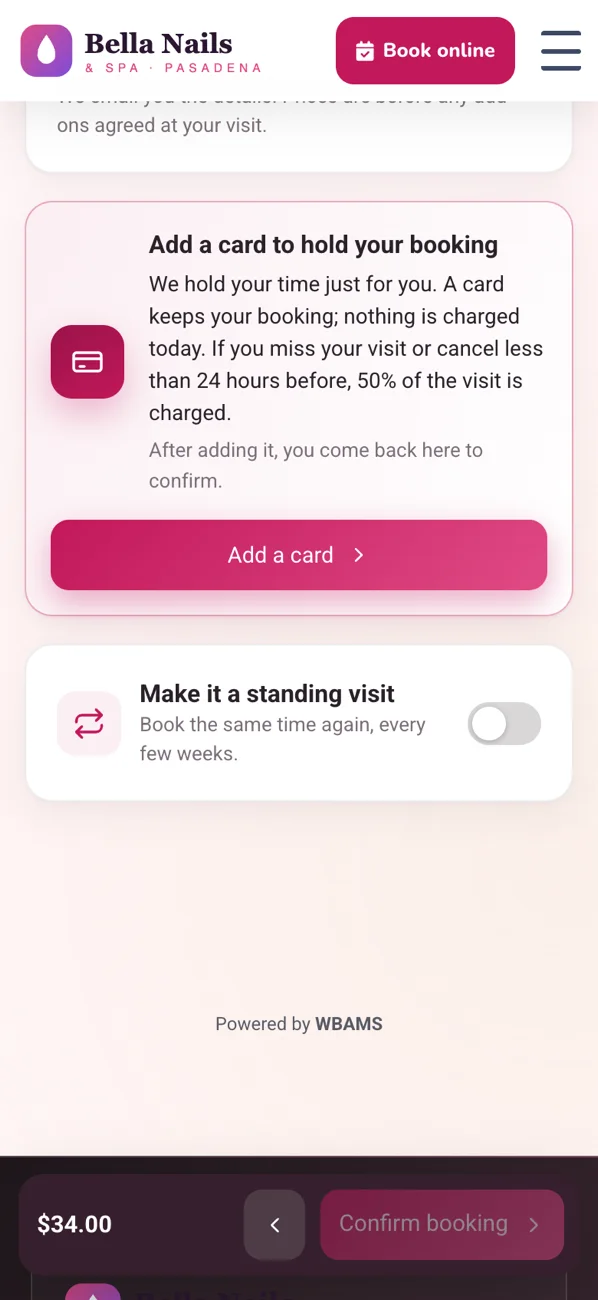
At Confirm on the booking page, the client chooses Make it a standing visit. They pick how often, every 1 to 8 weeks, and for how many visits: 4 to 12, or with no end.
At the desk
- Book one. Press Book a standing visit on the page, or make one from the Calendar.
- When the person is not free. A repeat that cannot be booked with the same person is counted under Not free, to book by hand.
- End one. Press End beside it. Clients can end their own from My bookings on your website.