

Some services need a room or a machine, such as a massage room or a pedicure chair. Once WBAMS knows what each service needs and how many you have, online booking and the Calendar offer a time only while what the visit needs is free.
Add a room or equipment
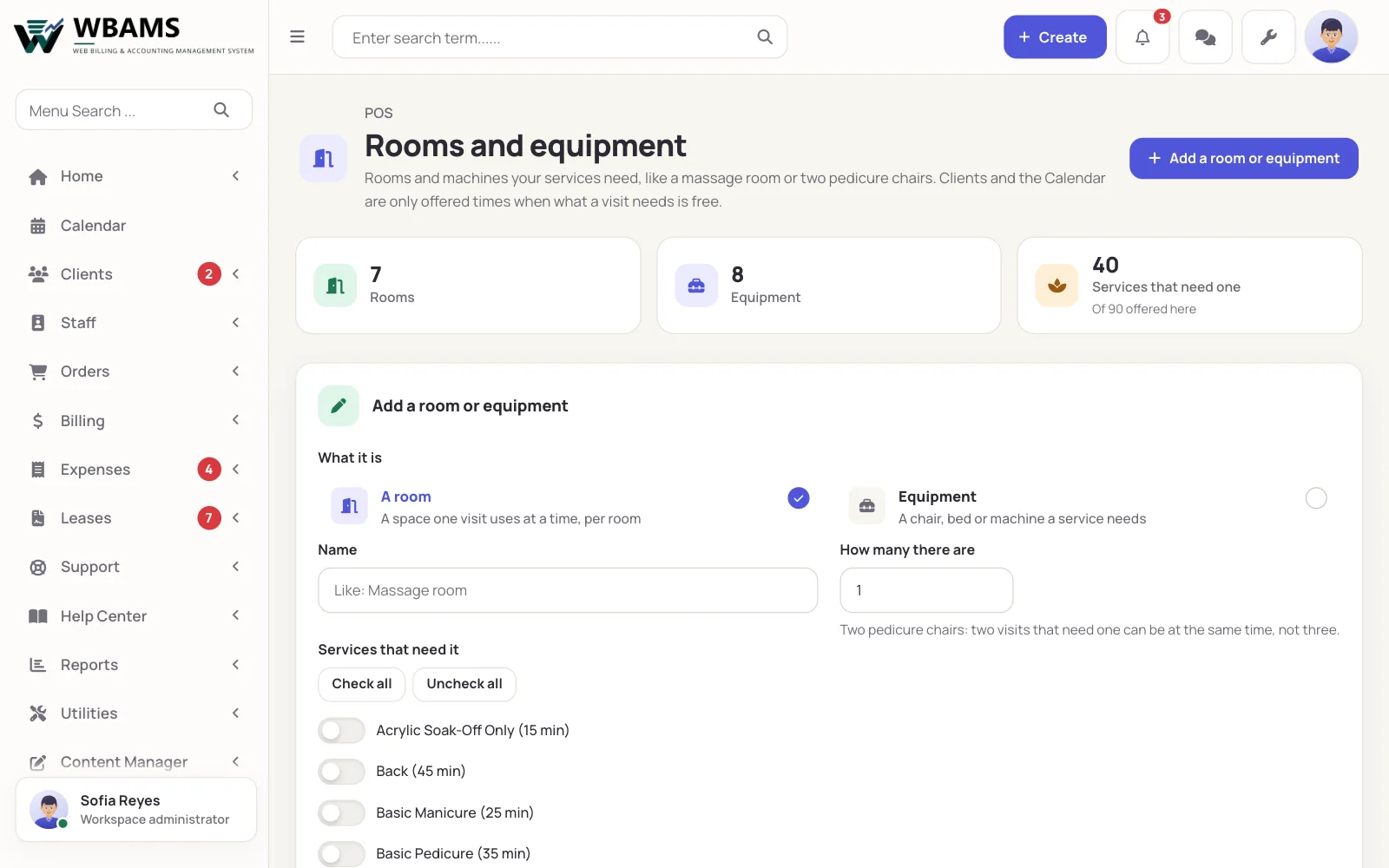
- Open System Settings → Rooms and equipment and press Add a room or equipment.
- Under What it is, choose A room (a space one visit uses at a time) or Equipment (a chair, bed or machine a service needs).
- Type its Name and How many there are. Two pedicure chairs means two visits that need one can be at the same time, but not three.
- Tick the Services that need it, and press Save.
Each one's day
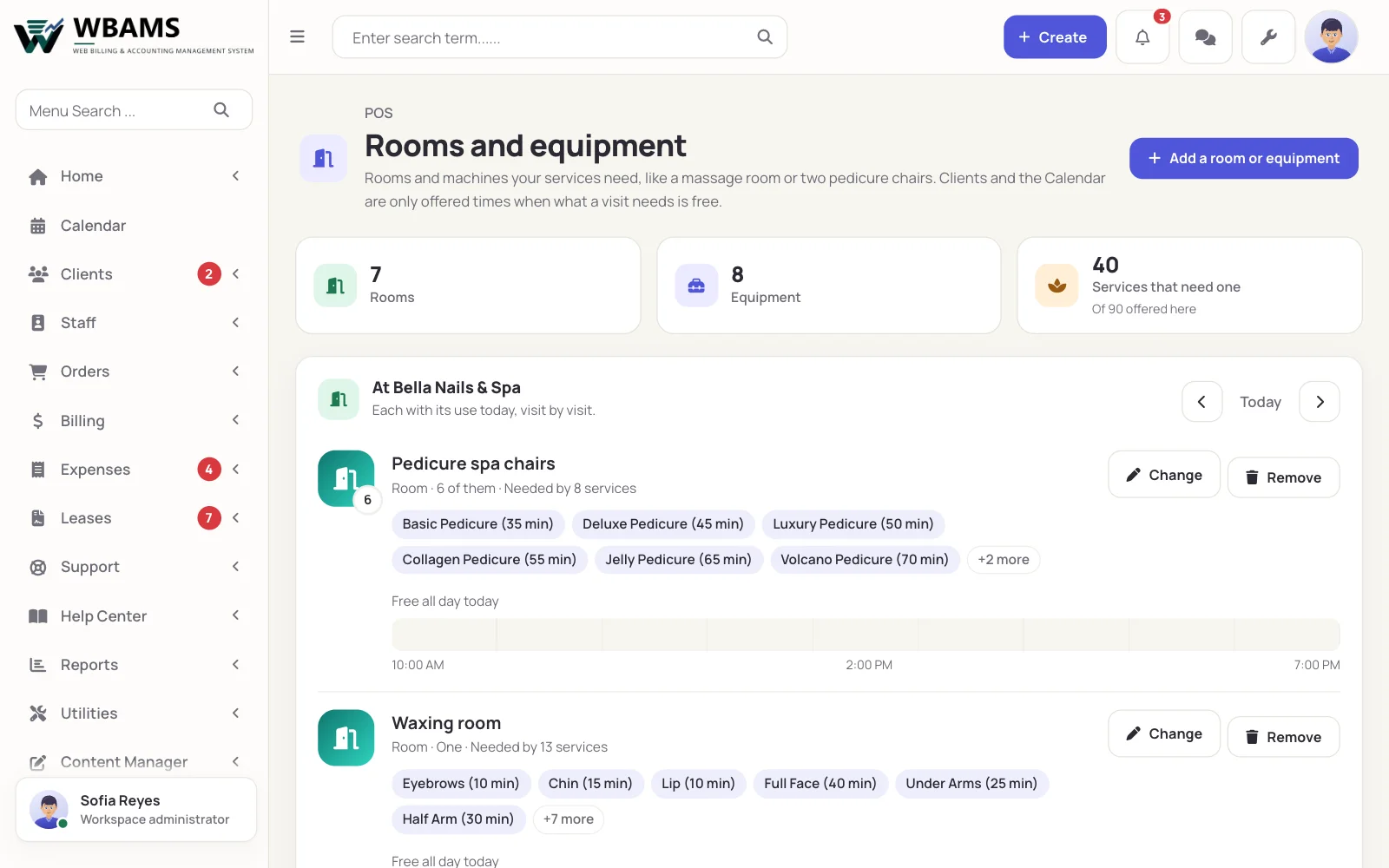
Each room or piece of equipment is listed with its use today, visit by visit, on a timeline of the opening hours. The arrows beside Today show other days.
A booking made at a register that over-books a room or a chair still goes through, and shows in red on the Calendar so the desk can move it.